
Invoice a finished job. Without retyping.
An invoice is created from a completed job in one click and goes to accounting on its own. You see who has paid and who hasn't.
5,0 on Google (opens in a new window)30+ projects delivered
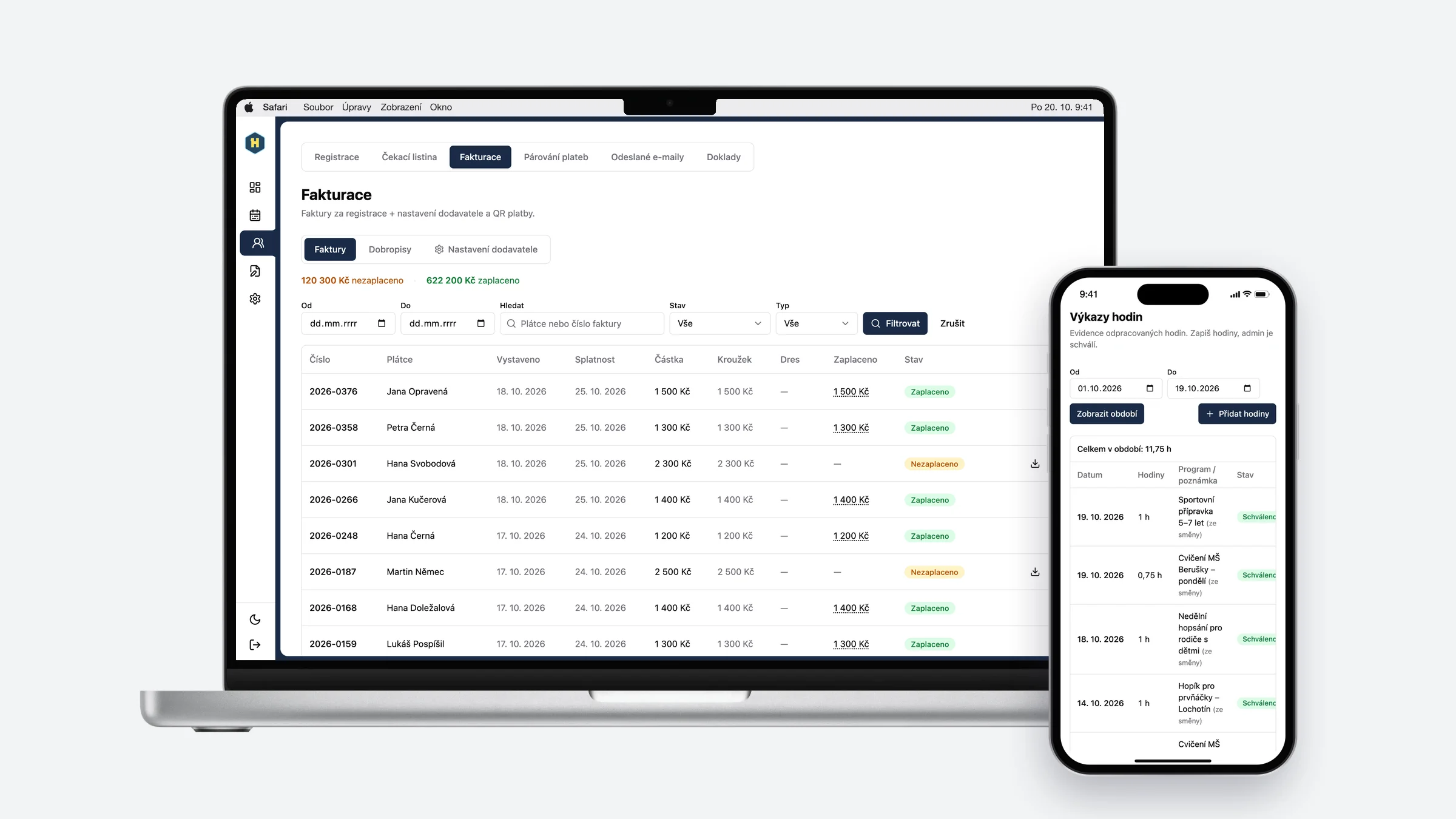
How it works today and how it works with the app
Today
You put invoices together by hand from the job or quote.
You match payments to invoices manually, in the bank and in accounting.
There's no clear view of who paid and when.
You type the same data twice, once for the job and once for accounting.
With the app
An invoice is created from a finished job in one click.
Payments are matched to invoices automatically.
Paid and unpaid invoices in one place.
Data flows between jobs and accounting on its own.
From finished job straight to invoice
One-click invoicing
A completed job becomes an invoice without retyping.
Accounting integration
Invoices sync with the accounting system you already use.
Payment overview
For each invoice you see whether it is paid or overdue.
Reminders
The app flags upcoming and past due dates on its own.
Recurring invoices
Issue regular payments without manual entry.
Data for your accountant
Exports in exactly the format your accountant needs.
Show us how things work for you today.
Tell us how your quotes, jobs and scheduling run. We'll get back to you and talk through what to fix first.
Contact us
Adam Bardzák, Managing Director
hello@appitect.eu