
Booking system and menu admin for a bistro
In the admin, staff confirm reservations, upload the daily menu every day and handle catering enquiries. The website is the public part of the system.
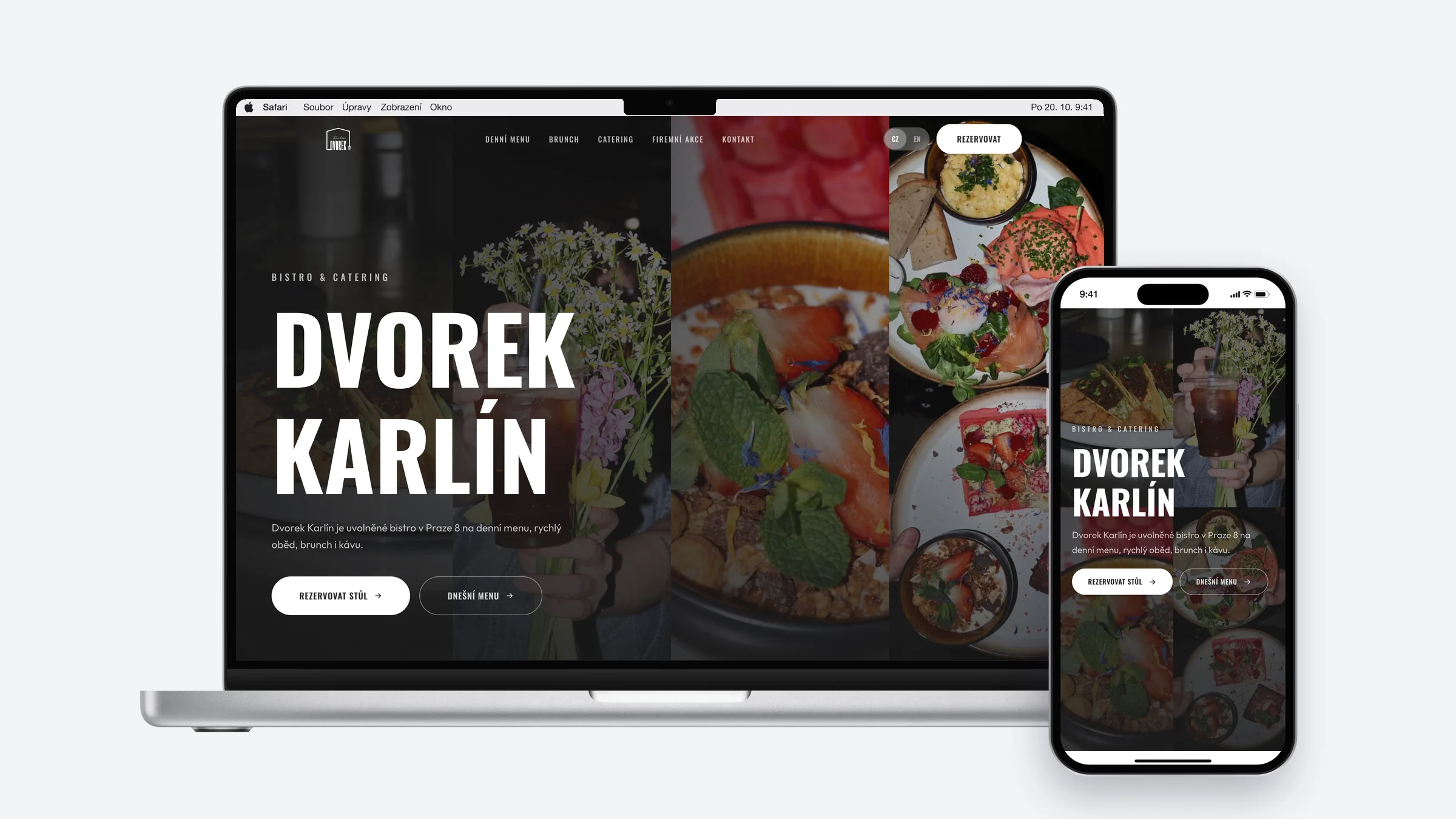
Starting point
The original website had no reservations or catering enquiries.
The menu couldn’t be changed without outside help. Catering enquiries came in only by phone.
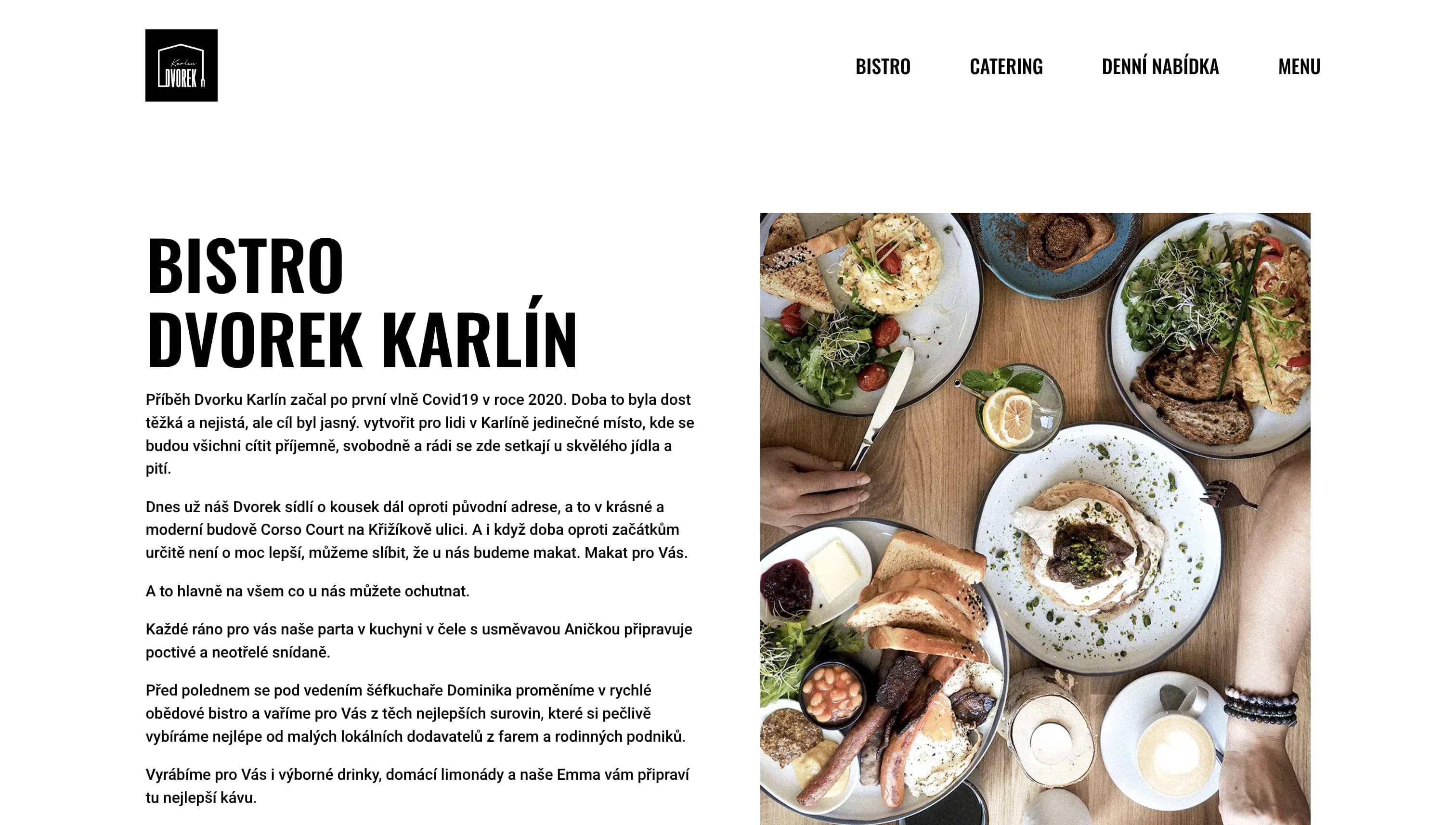
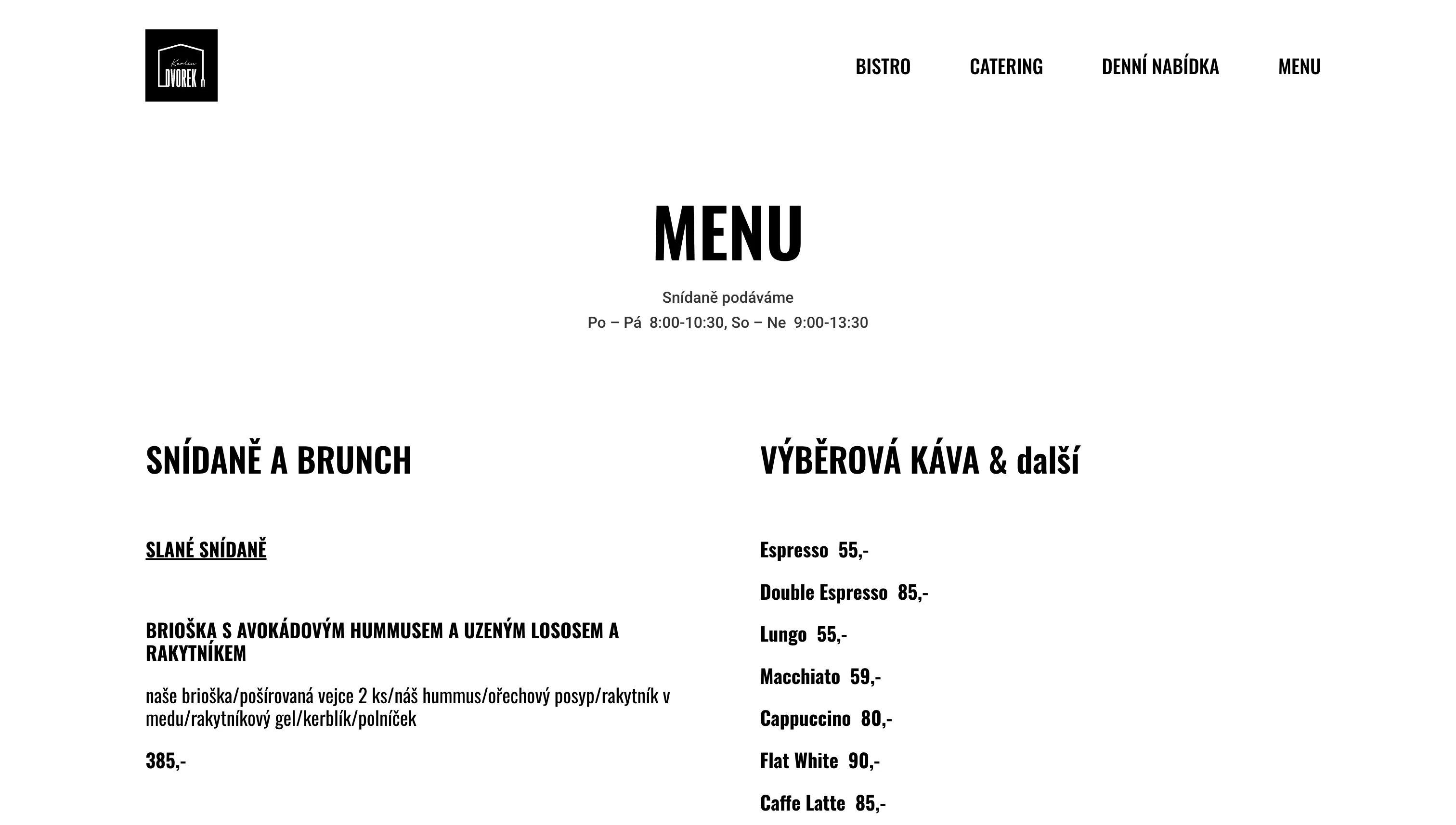
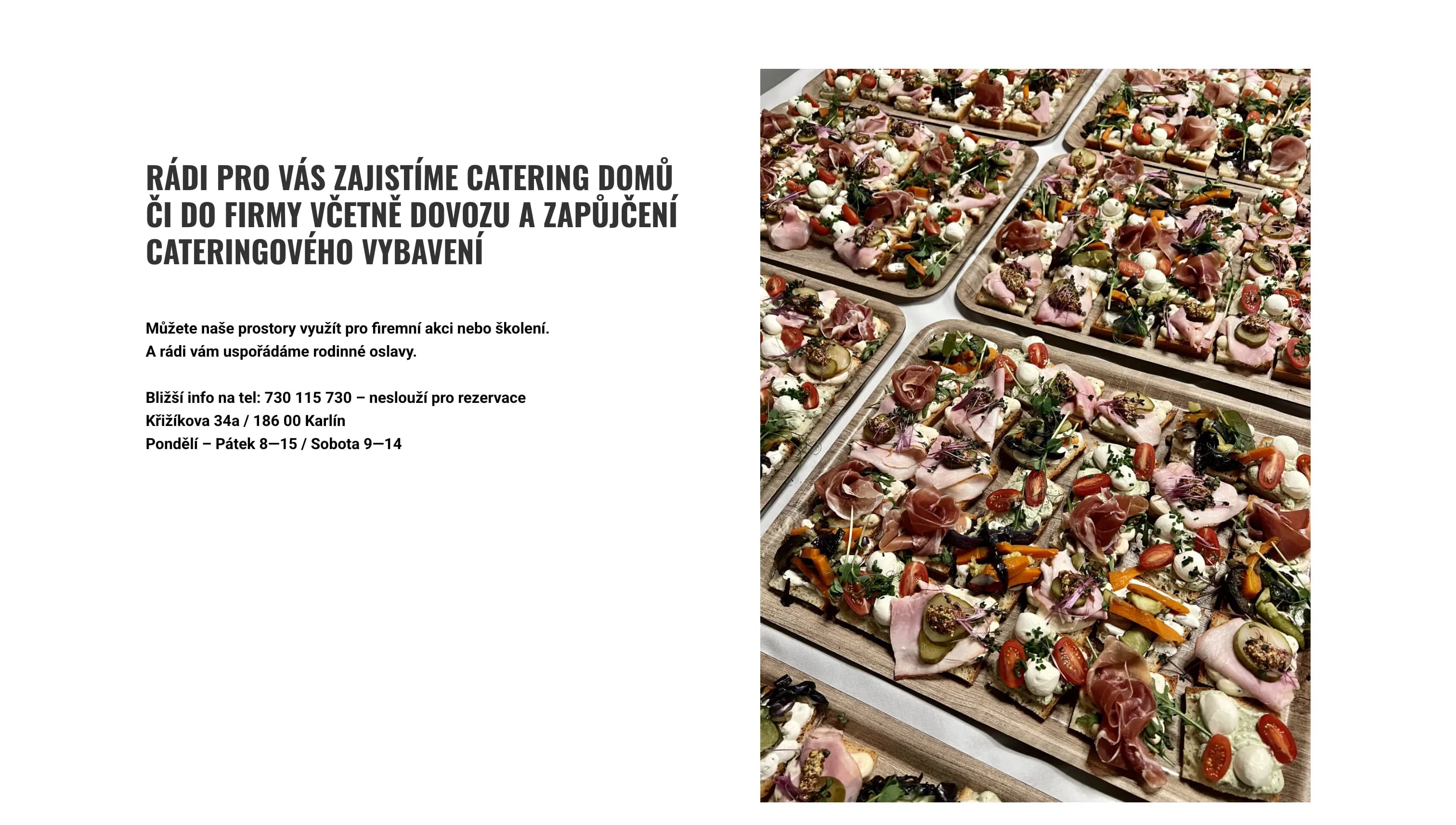
A system the team uses every day
The team handles the menu, reservations and catering through it every day.
- The daily menu changes every weekday, so the staff must be able to update it themselves.
- Guests can book any time, even when the bistro is closed.
- A catering enquiry arrives with all details, so no call is needed.

What we built
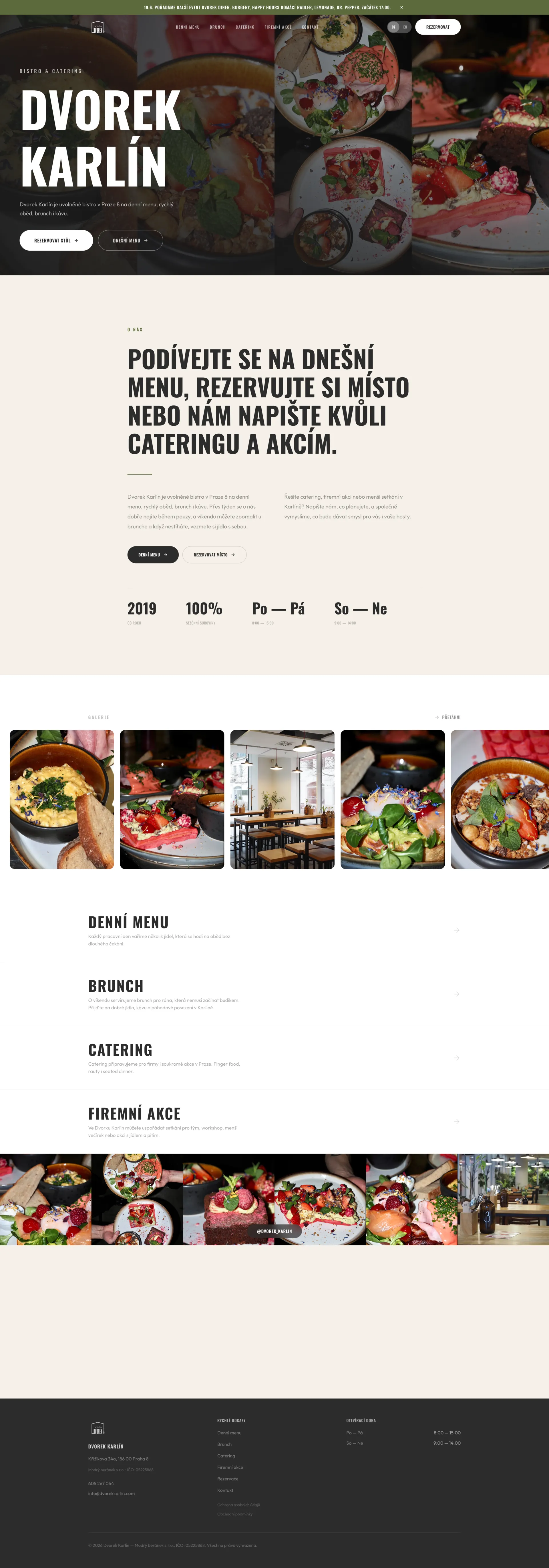
Menu updates without a developer
Staff update the soup and three mains in a few minutes. The change shows on the website and via the Instagram link straight away.
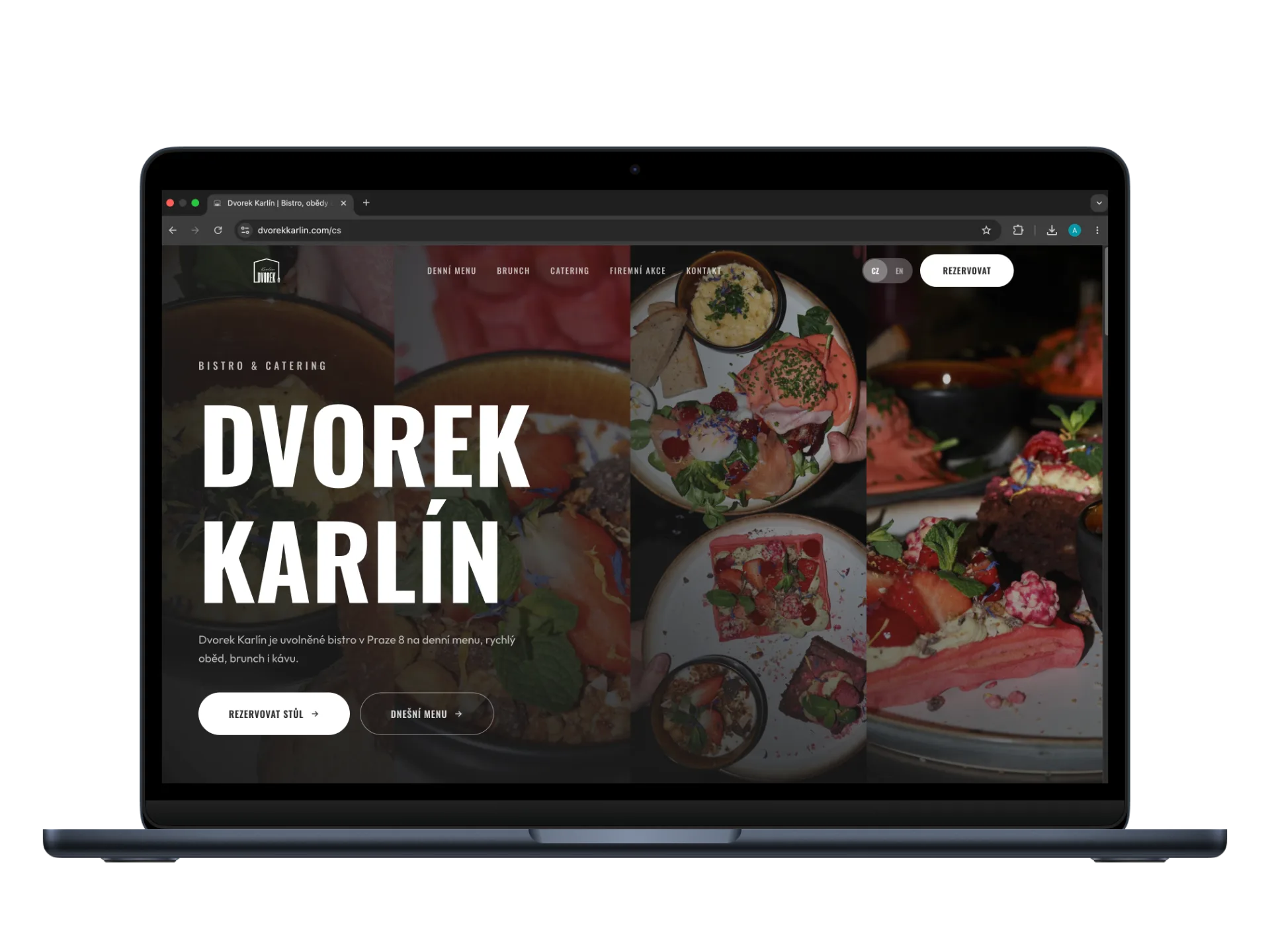
Table booking without a phone call
The guest picks a date and time, enters details and gets an email confirmation. They only see slots the team has opened in the admin.
Confirming a booking in one click
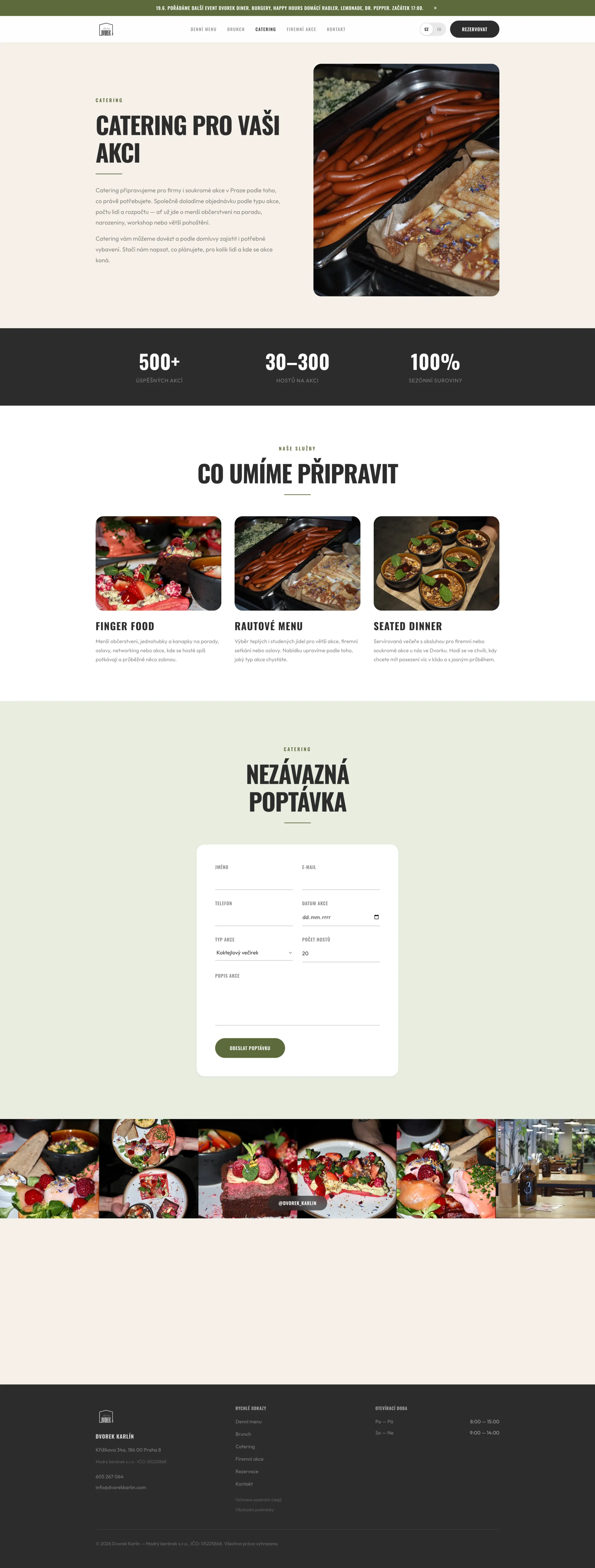
Catering enquiries with all details
The form collects event type, guest count, date and description. The enquiry goes straight to the team’s inbox.
Notices, photos and PDF menus
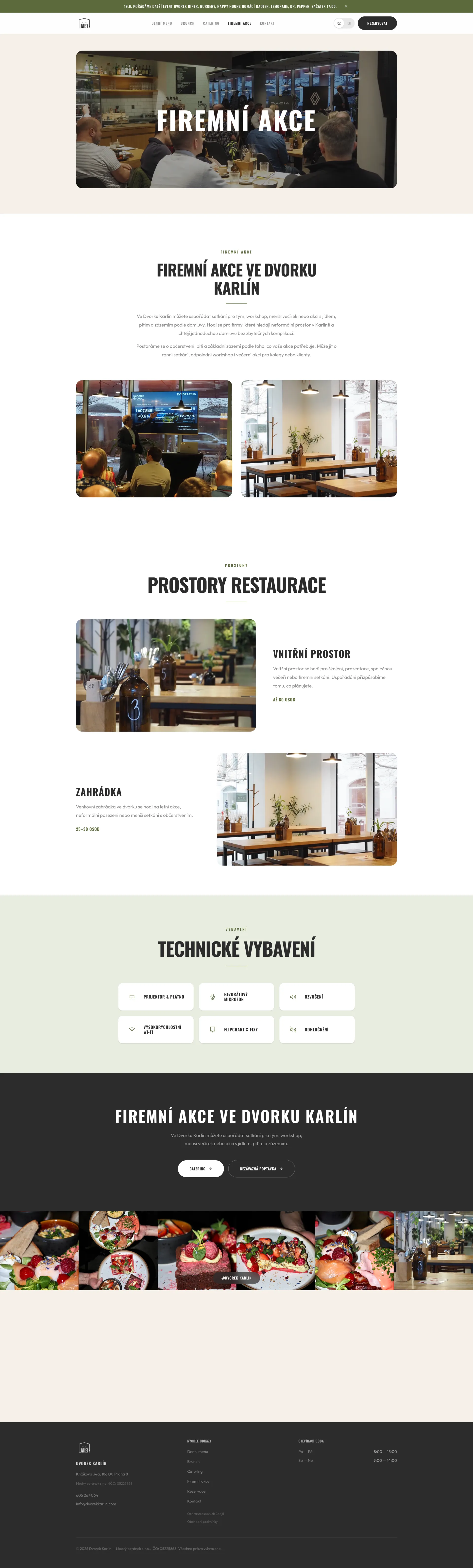
Booking in four steps
Date
Only days with free slots are shown; closed and full days disappear.
Time
Guests only see times the staff have opened.
Details
Name, email, phone, number of guests and an optional note.
Confirmation
The guest gets an email, staff get a notification and the booking appears in the overview.
What changed
- Guests book a table online any time, even when staff are busy.
- Staff change the menu, reservations and notices themselves, with no wait for a developer.
- The website works in Czech and English, for international guests and corporate clients.
What the system runs on

 Next.js · TypeScript
 Payload CMS
 PostgreSQL
 Tailwind CSS
 Emails via Resend
 Vercel Blob for photos and PDFs
Highlights
No double bookings
Admin for a non-technical team
Show us how things work for you today.
Tell us how your quotes, jobs and scheduling run. We'll get back to you and talk through what to fix first.

Adam Bardzák, Managing Director
hello@appitect.eu